Steps
-
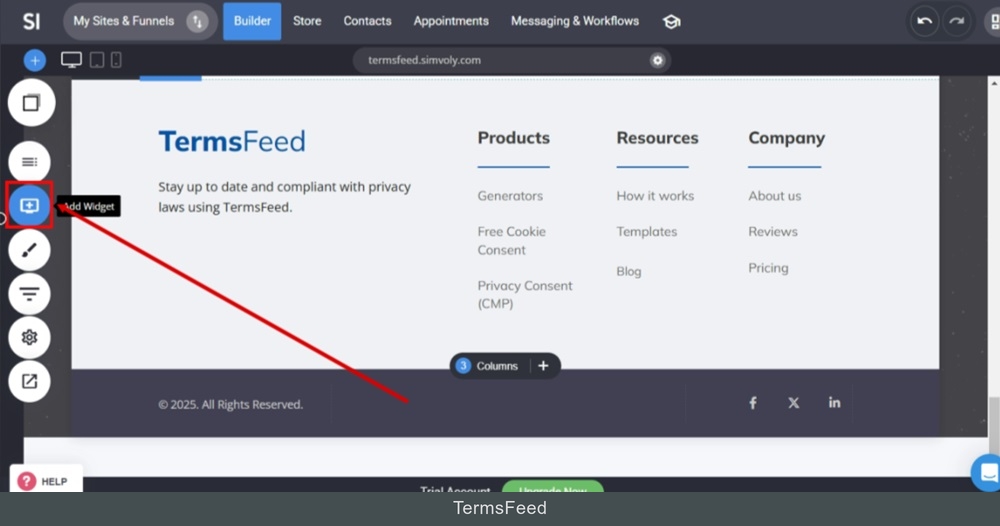
Log in to your Simvoly account. Go to the footer on your home page and click on the Add Widget from the main menu:
-
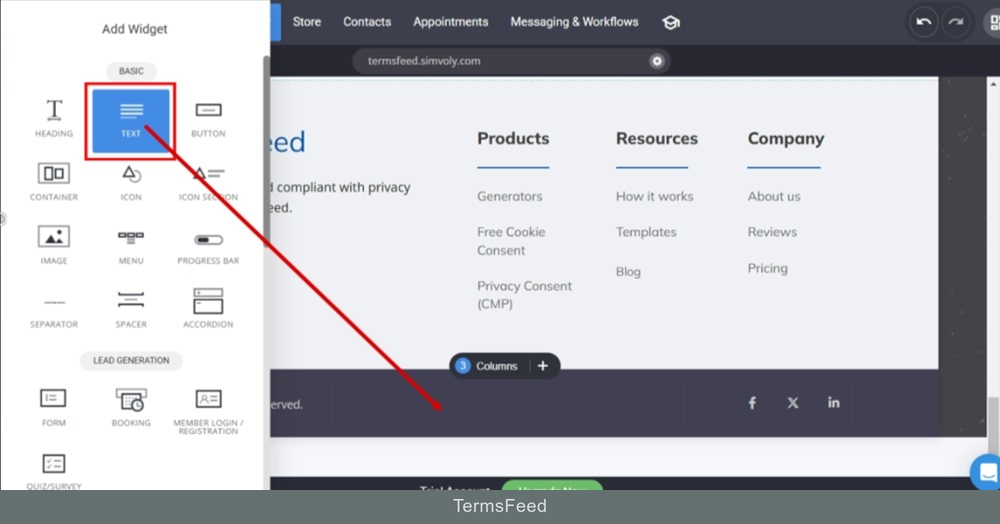
Drag and drop the Text widget:
-
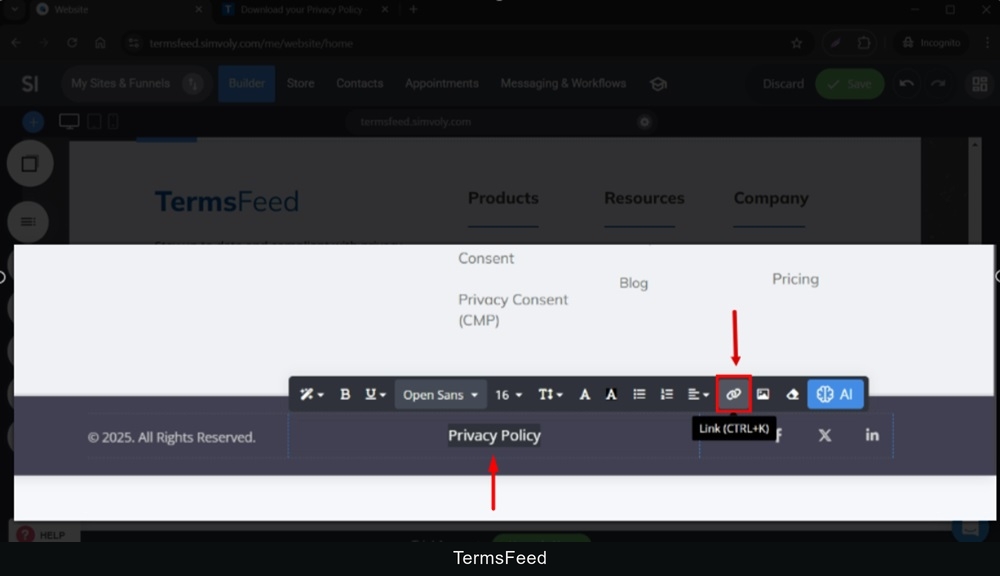
Type "Privacy Policy" in the Text field. Select it and go to the Link option from the editor:
-
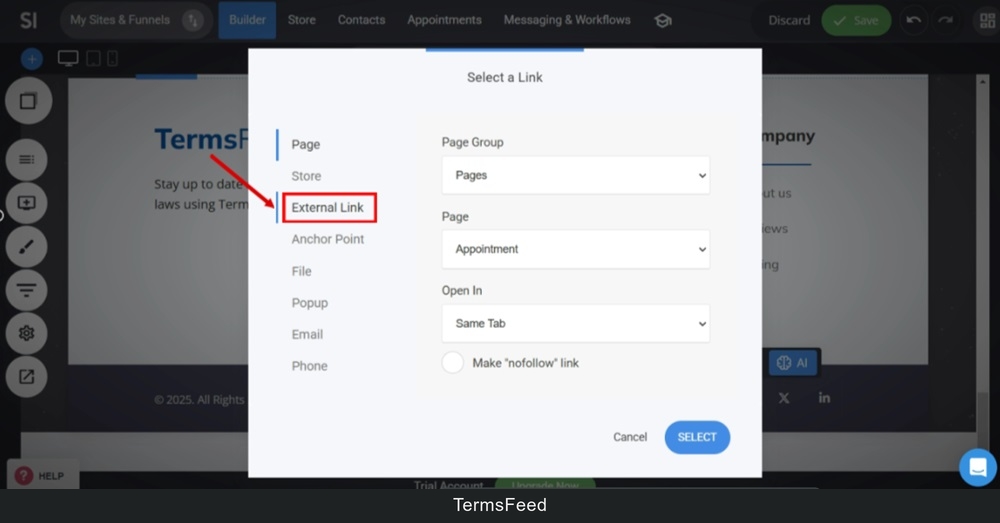
Switch to the External Link option:
-
The fields will change. In the Caption field type "Privacy Policy". In the URL field, add link.
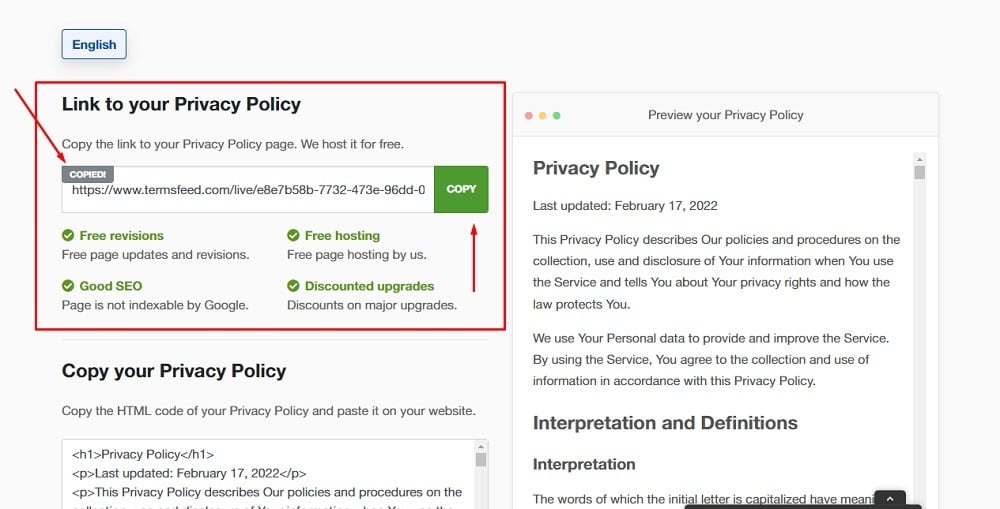
To get a Privacy Policy URL link, go to the TermsFeed Privacy Policy Generator to create a Privacy Policy and get the hosted Privacy Policy URL.
Once you have a Privacy Policy created by TermsFeed, click Copy from the Link to your Privacy Policy section to copy the URL:
-
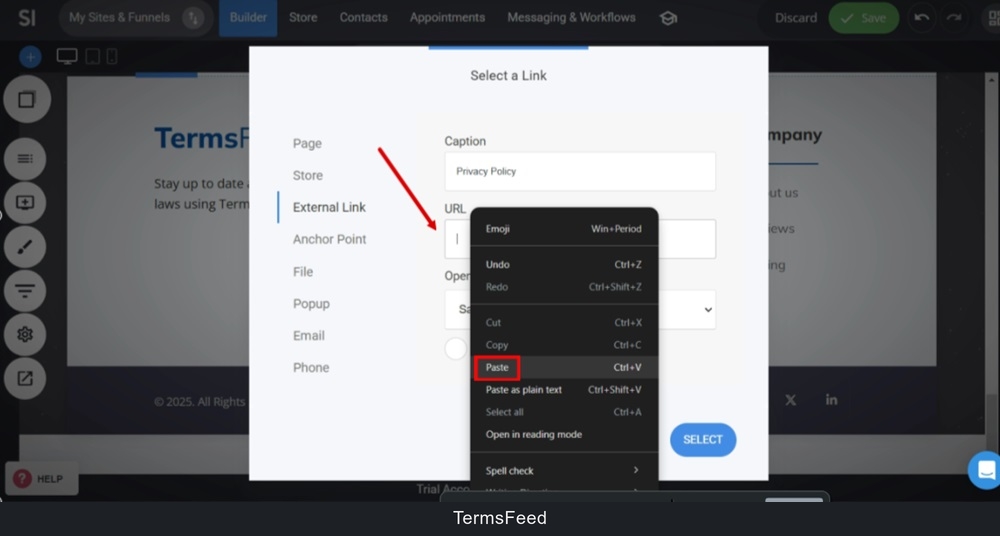
Paste the Privacy Policy URL in the URL field:
-
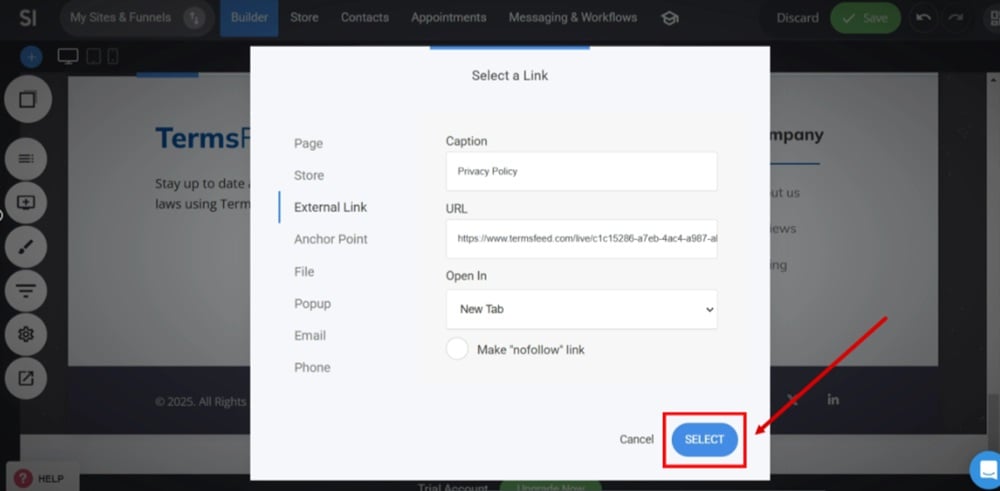
Select where you'd like the URL to open. In a new or the same tab and click Select:
-
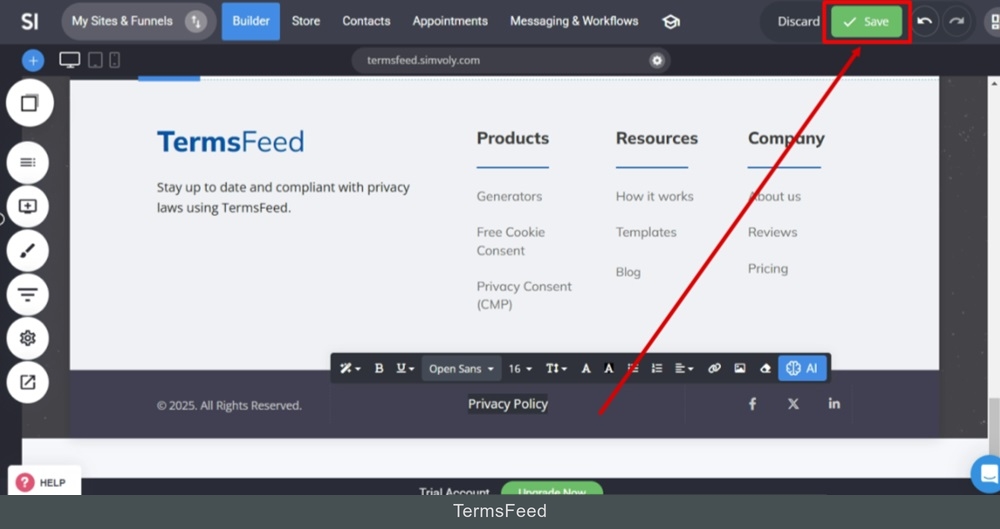
Click Save at the top:
-
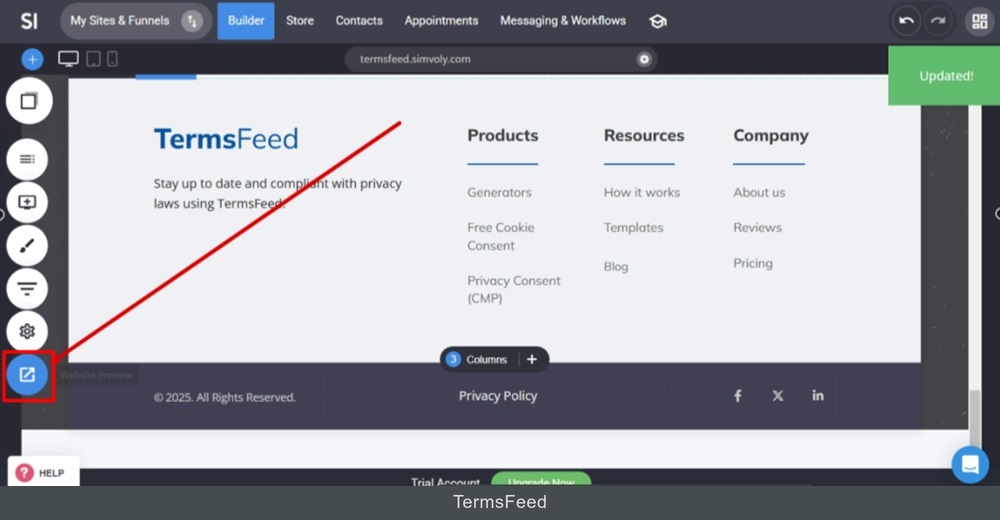
Go to Website Preview to see the changes:
-
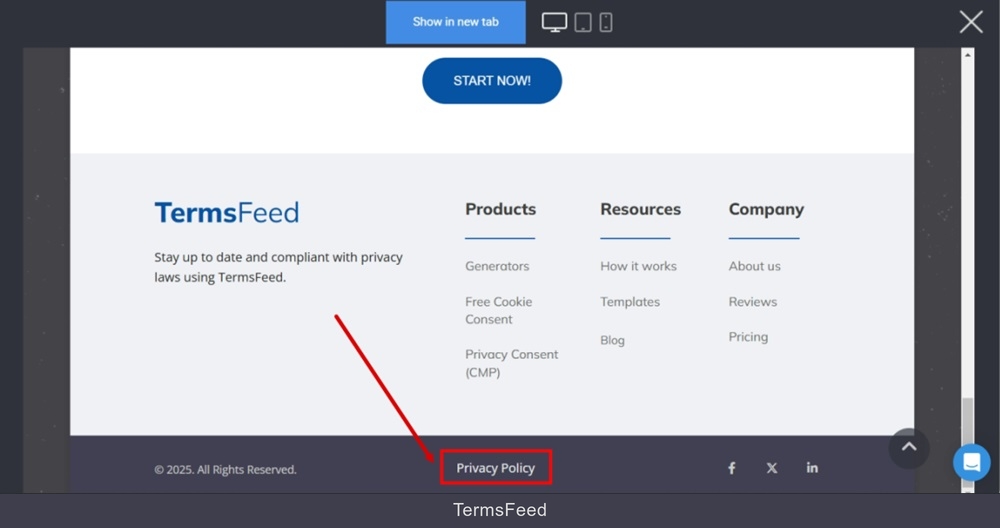
The Privacy Policy page is now linked and displayed at the footer: