Steps
-
Go to our Free Cookie Consent Solution page to create the Cookie Consent code necessary to show the notice banner on your OpenCart website.
-
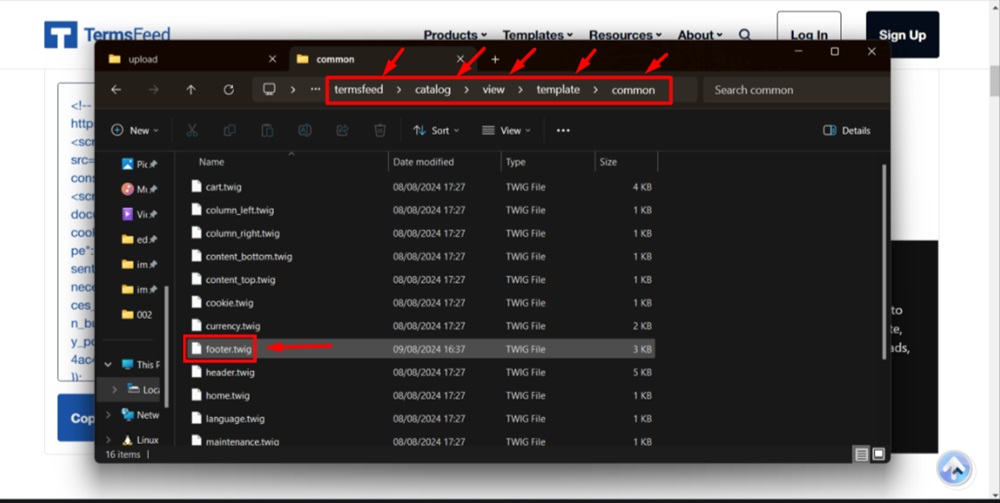
Find your OpenCart folder. In our case it's "termsfeed."
Inside the OpenCart folders, find the
footer.twigfile.In our example here, we host OpenCart on a Windows machine. As such, we open the Catalog > View > Template > Common folder to get to the
footer.twigfile.You can use Notepad++ or Visual Studio to open the twig file(s).
-
Open the
footer.twigfile: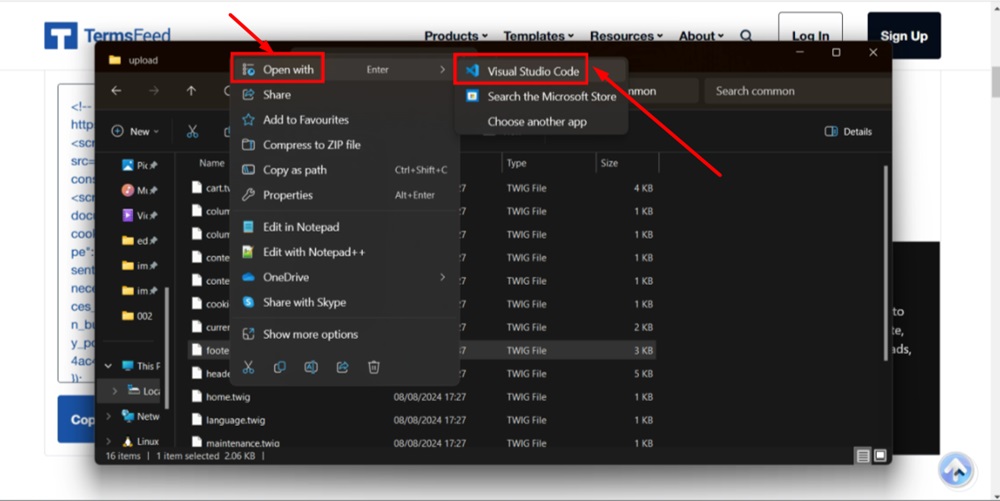
-
Scroll down to the
</body>(end of the body tag):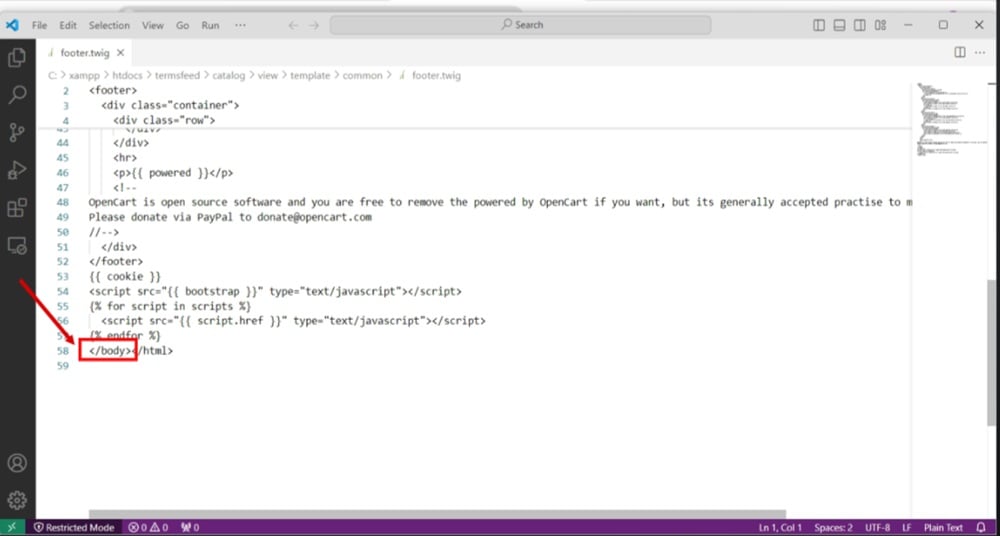
-
Paste the generated Cookie Consent banner notice code in the
footer.twigfile: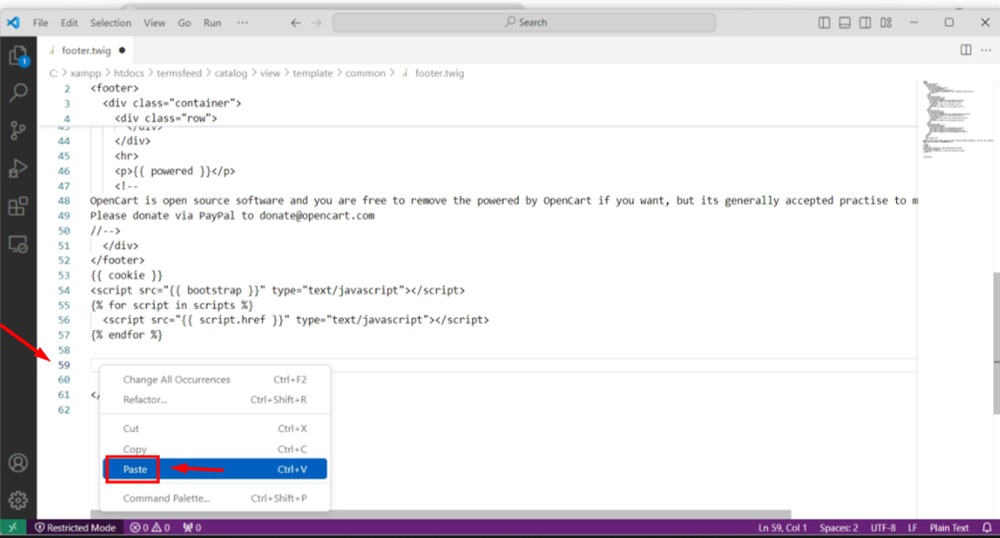
-
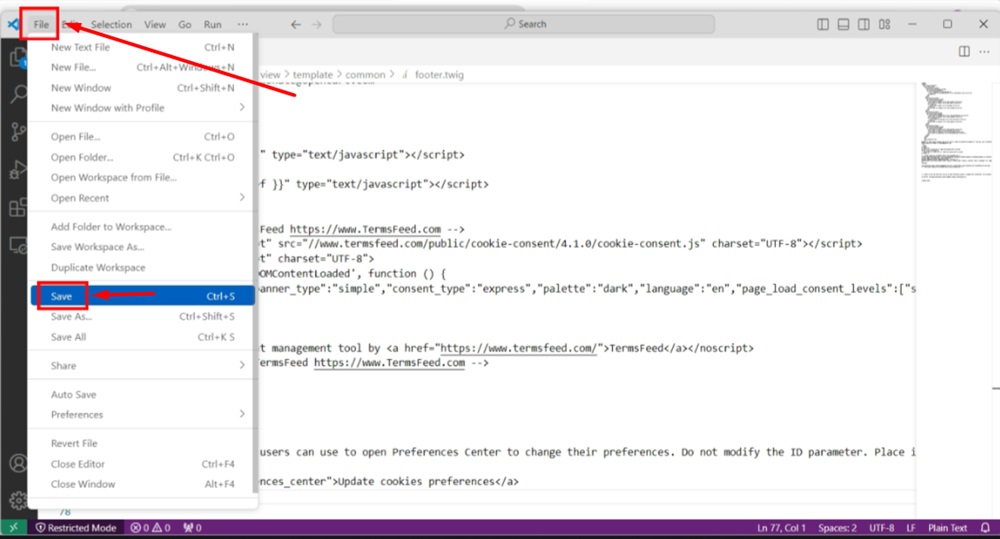
Go to File and click Save:
-
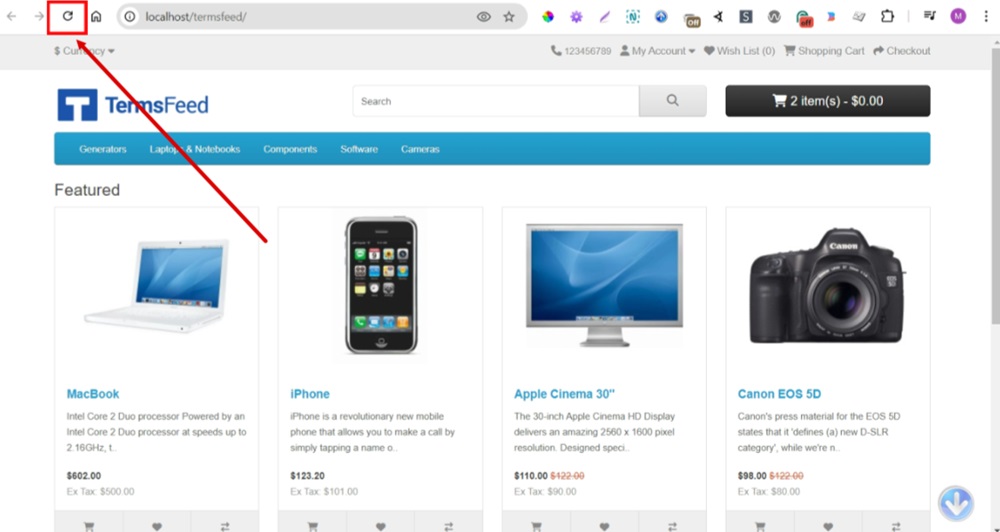
Reload the displayed page of your OpenCart store website:
-
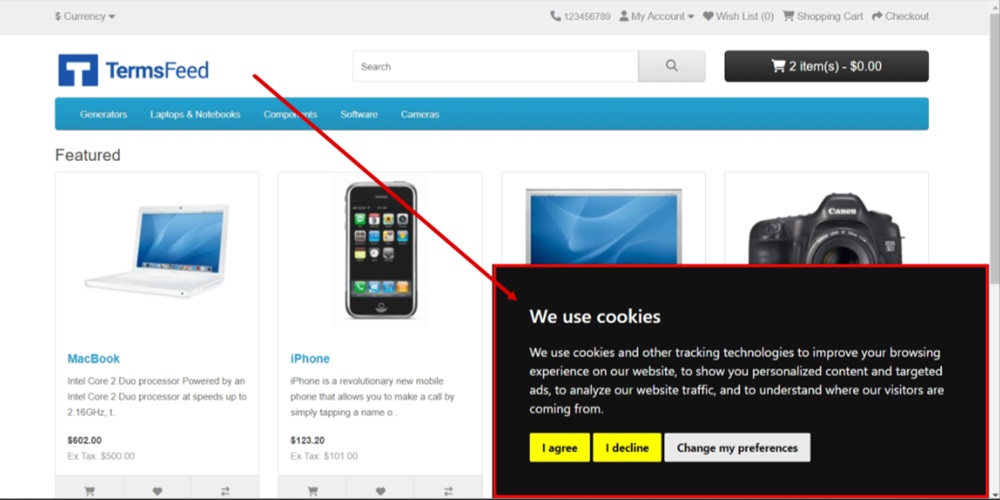
The Free Cookie Consent Notice Banner is displayed on your OpenCart store website: